
If you are able to commit to having one or two hours using Scratch (or Repl.it for advanced coders) in your maths lessons, you can expect most students to have a pretty good grasp of using the basics.
This gives you a great opportunity to drop little assessments into your lessons, or set engaging homework activities, that allow students to show off mathematical understanding with a bit of code. The absolute great thing about this is that there is no ceiling on this work – your most able students should never ‘find it easy’ as you just challenge them to make it into a game, or add more detail, or change the numbers etc…
I always tell my students, “You are never ‘done’ with a Scratch project. You’ve just run out of ideas”
Here are two examples that you can use from as early as you have brought coding into your curriculum. I’ve done these with high flying year threes.
Angles Assessment
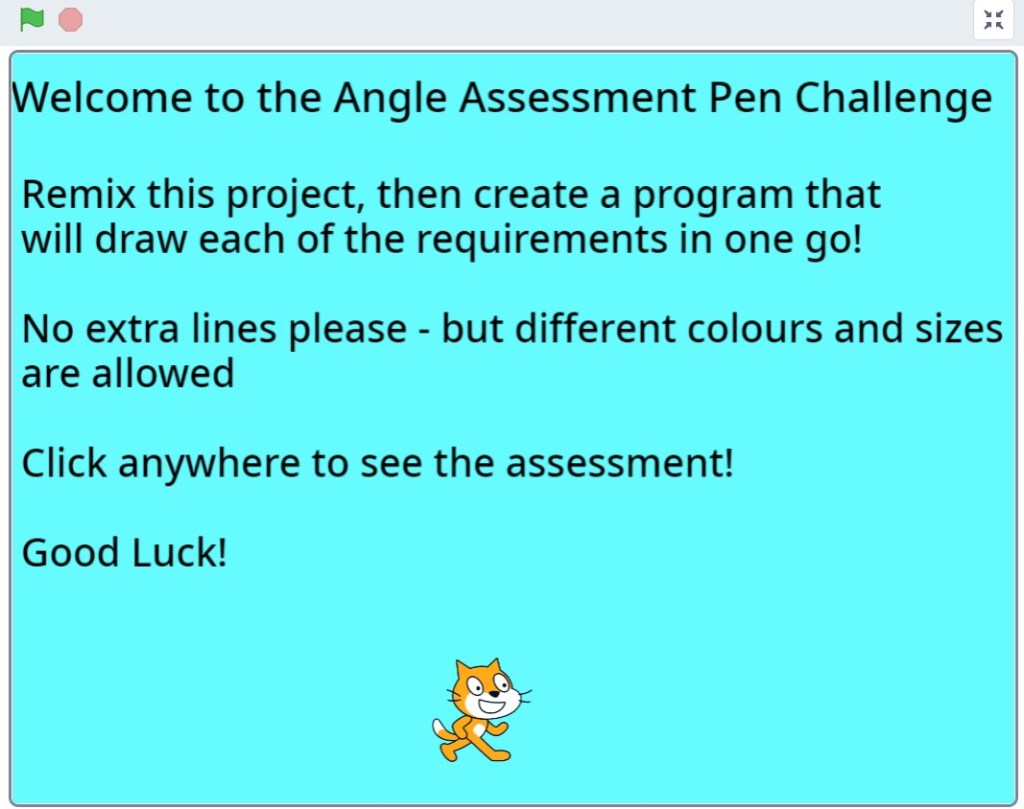
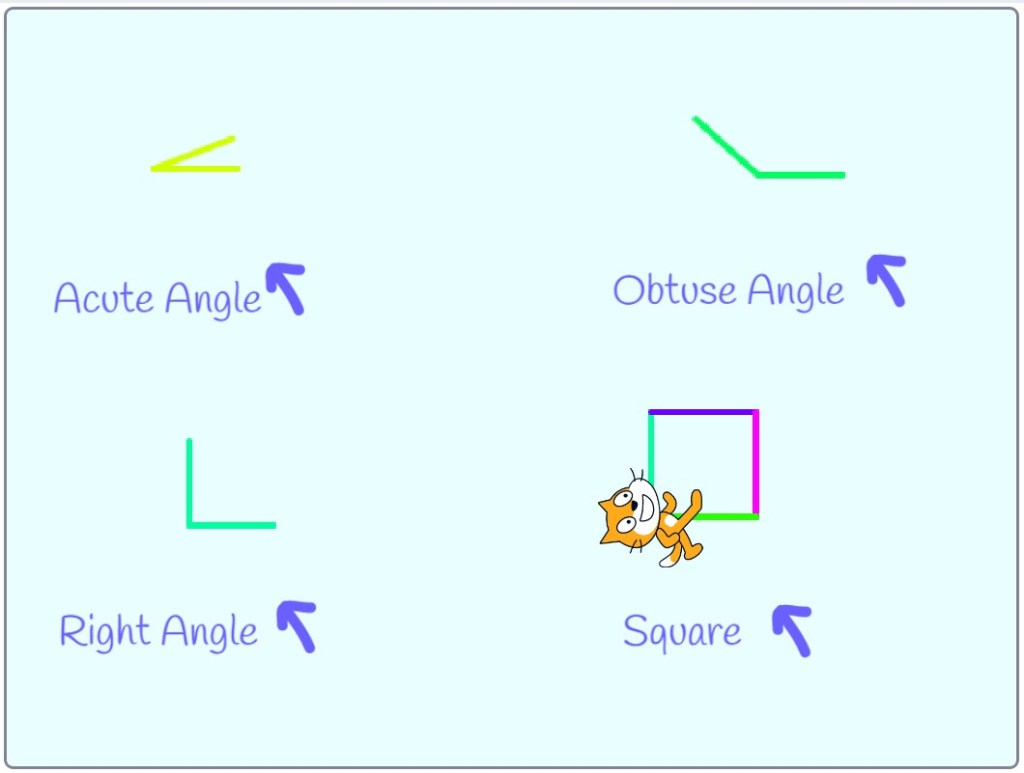
Just introduced the basics of acute, obtuse, and right angles? Have students remix this project on Scratch. (Remix is basically ‘create a copy’ and can be found at the top of the page). The aim of the project is to have a program that draws all three types of angle and a square in one click. This develops their knowledge of what an angle is (since Scratch uses ‘turn’ for creating an angle) as well as them problem solving and perhaps even thinking about co-ordinates too.
An example answer might look like this:
Comparing Negative numbers
One mathematical concept that is used in computer science a lot more than real life is the greater than and less than symbols. Having real life applications for these is brilliant, and crucial in computational thinking.
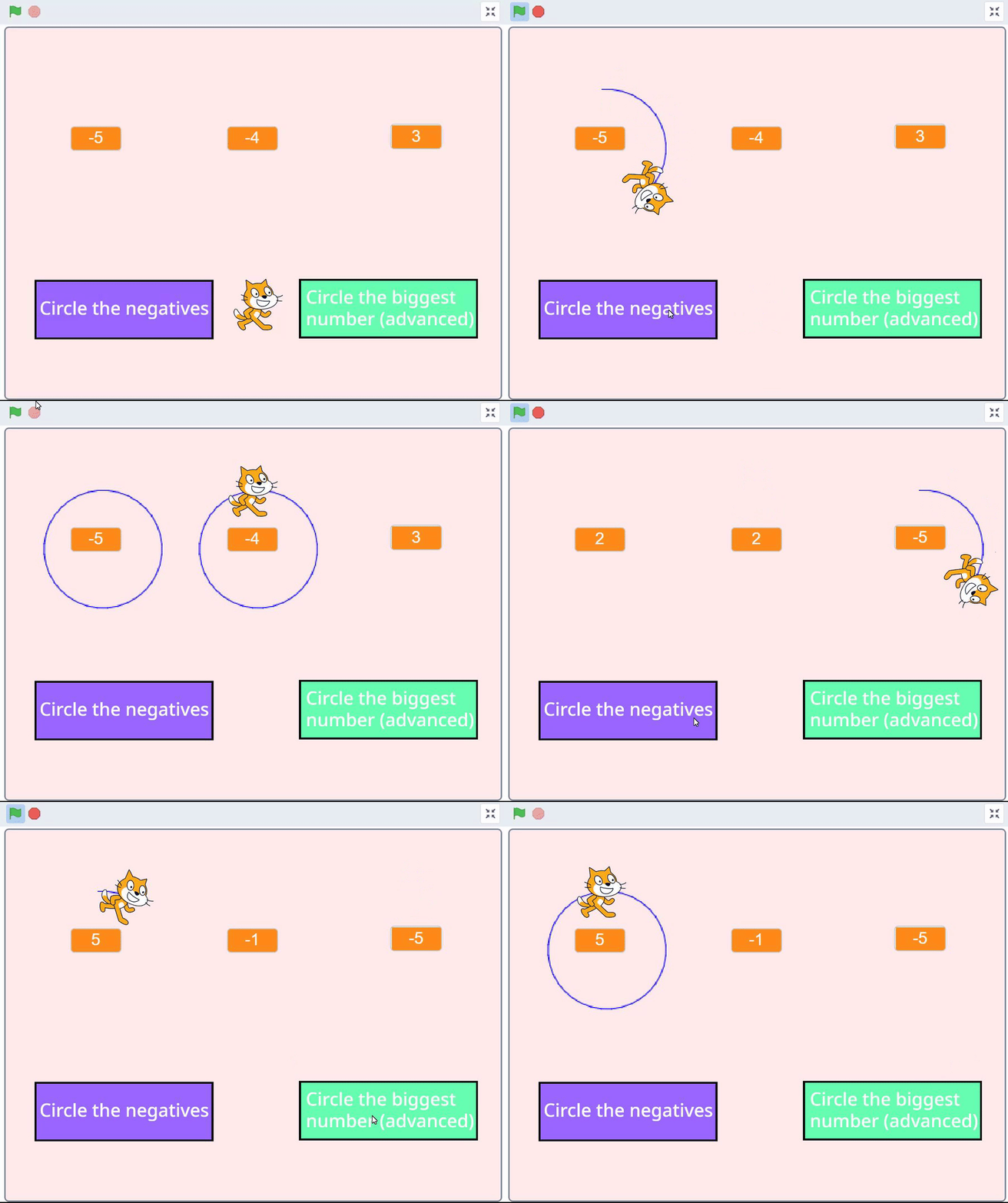
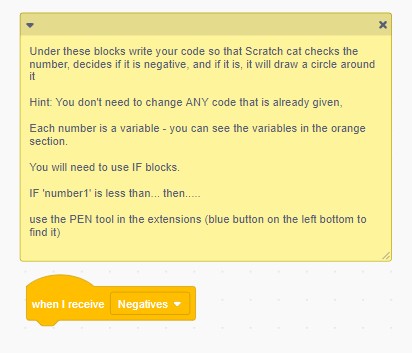
This activity already has code within, that generates three random numbers, and there are two buttons. The job of the student is to have the cat draw a circle around the numbers that are negative (or the biggest number). There again is no ceiling to this, as students can change the numbers, the task, or even add in more numbers.
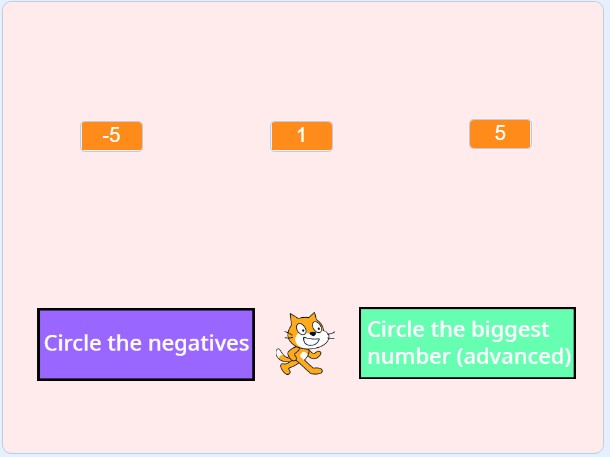
This is slightly more advanced, but just like in maths questions, any working out (attempt) at trying to write code that compares two numbers is still going to get marks. Again, they just need to remix the project and follow the rules. It even has the code to draw a circle, so all they need to concentrate on is how to compare numbers.
I’ll be adding more ideas like this over the next year – and would love to also highlight any other ideas too – so please leave a comment or get in touch if you do anything similar.
 Maths Beyond the Curriculum